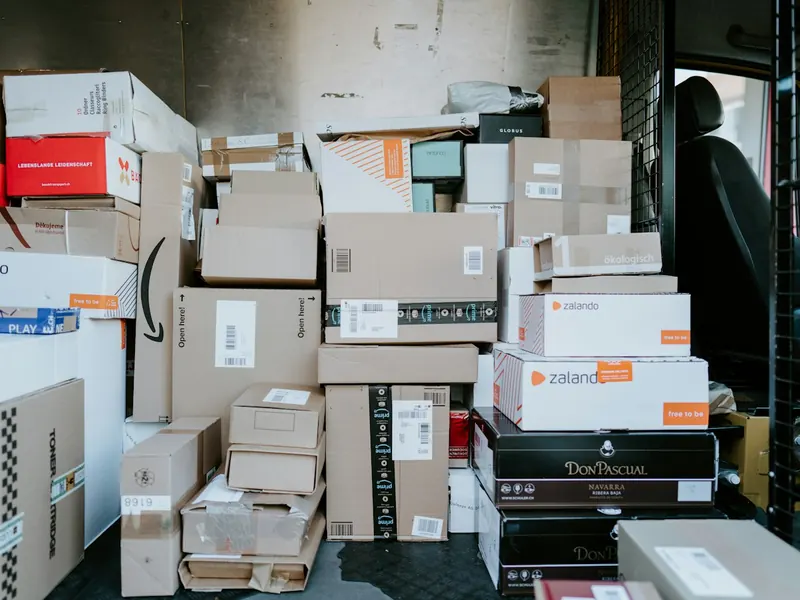
This is what it looks like without records
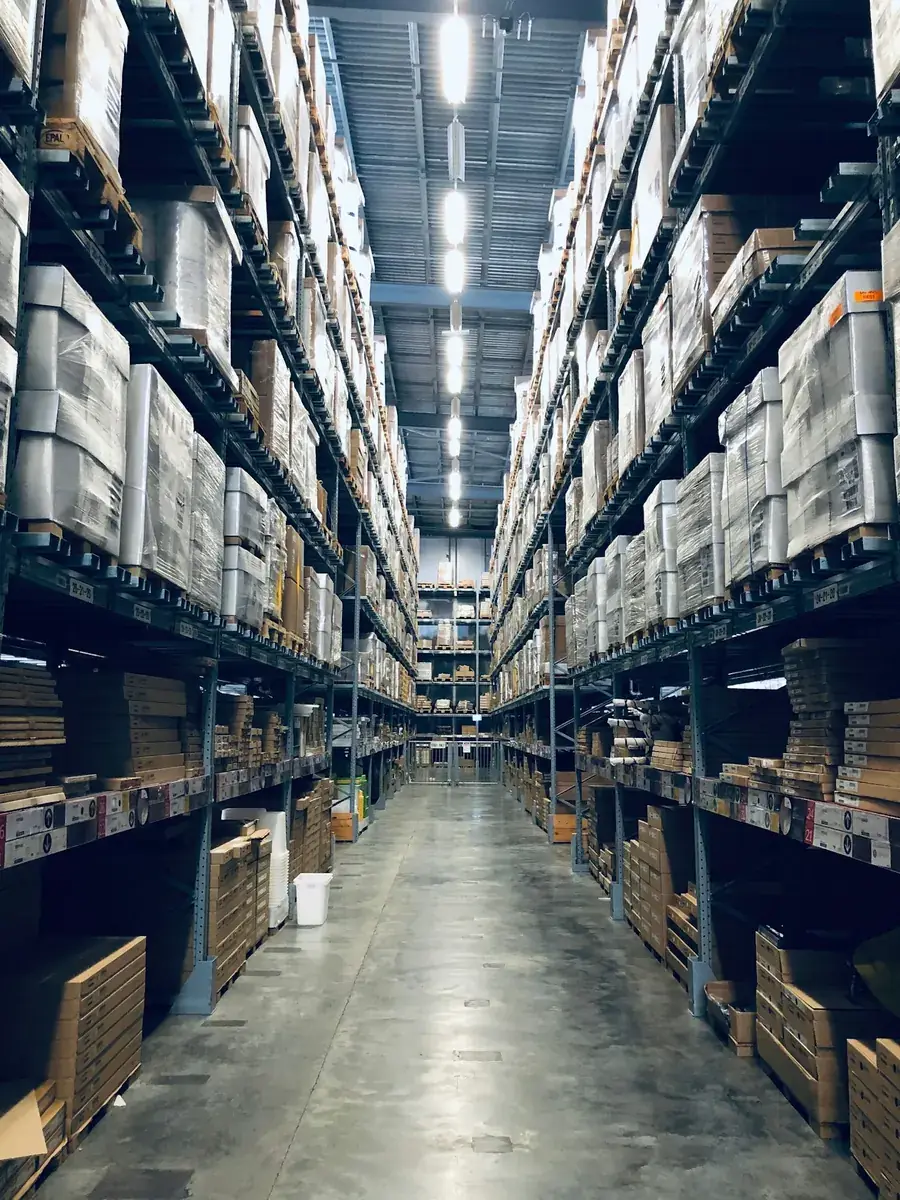
A marker scrawl on the side of a box works for two months. Then the box moves, the label stops being true, and you search by opening things.
Warehouse inventory with QR codes
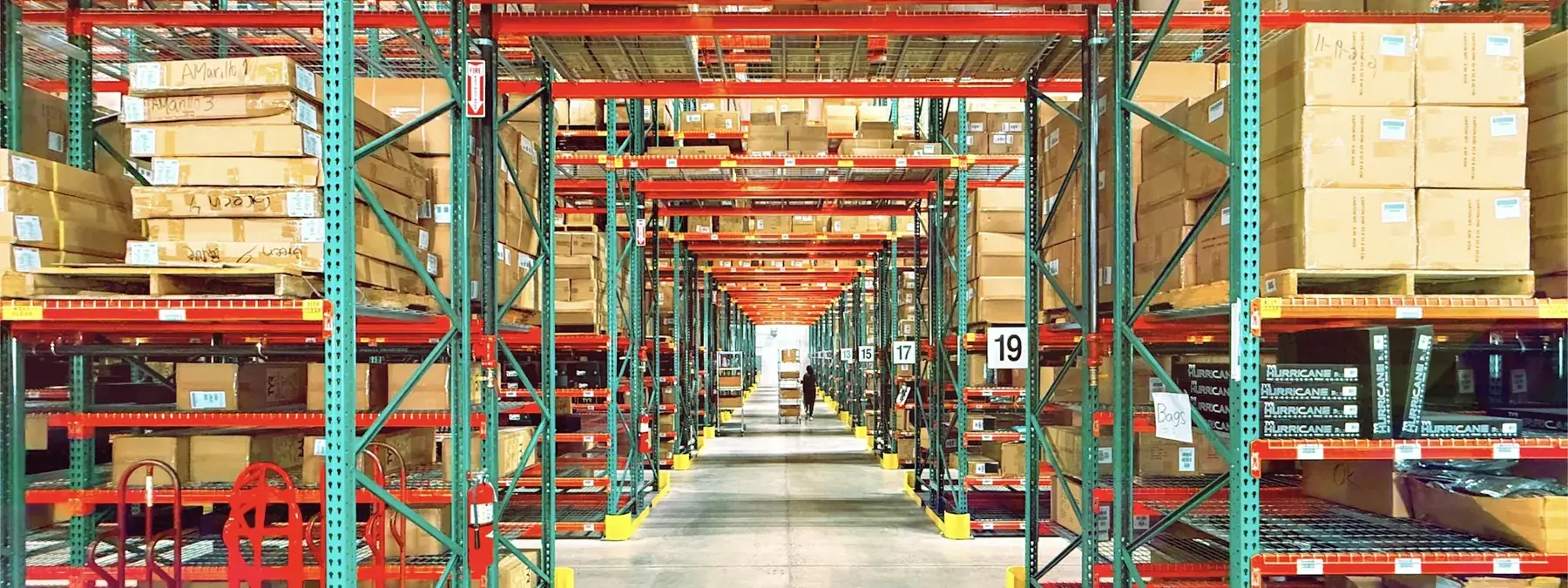
Racks, shelves and boxes each get their own QR label. Print them all in a single PDF, stick them on — and from then on you find things by scanning, not by walking. Answering “which box holds the 2023 invoices” takes seconds instead of half an hour.
Free plan with no time limit No lock-in Nothing to install
Why we built it
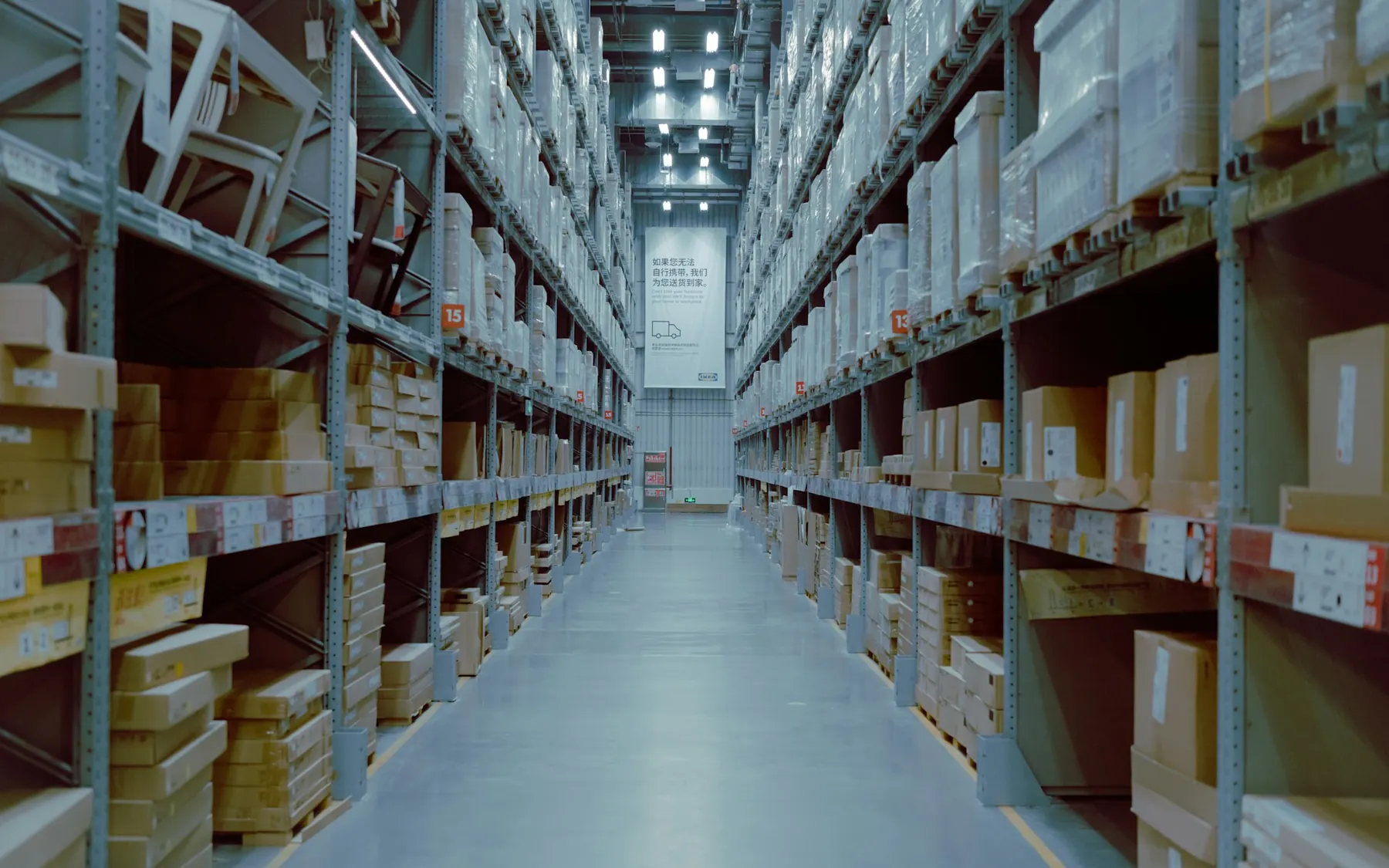
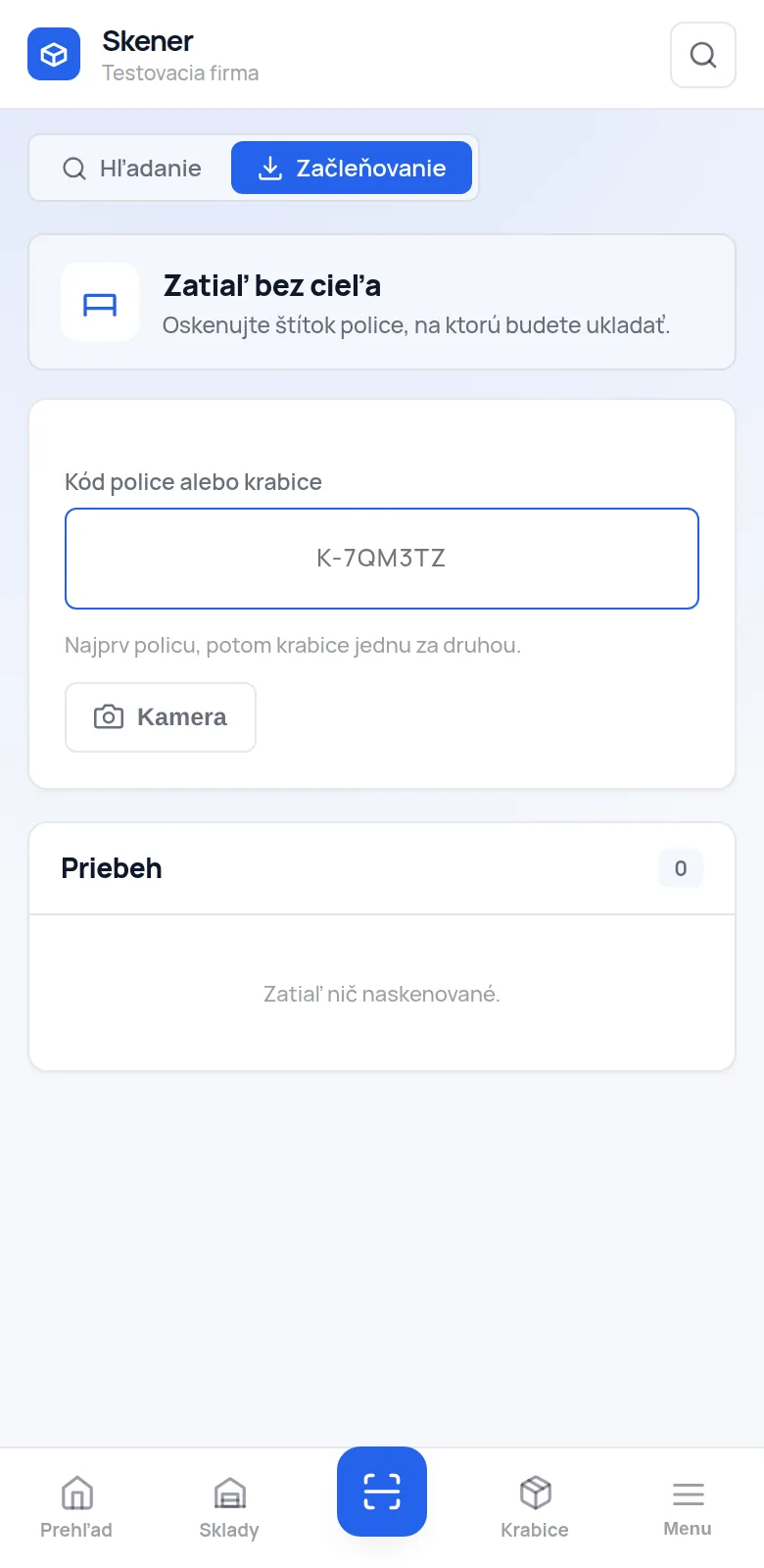
A rack holds three times more once you know what is in it. Companies do not buy bigger warehouses because they have run out of room — they buy them because they have stopped knowing what is actually inside those boxes.
A marker scrawl on the side of a box works for two months. Then the box moves, the label stops being true, and you search by opening things.
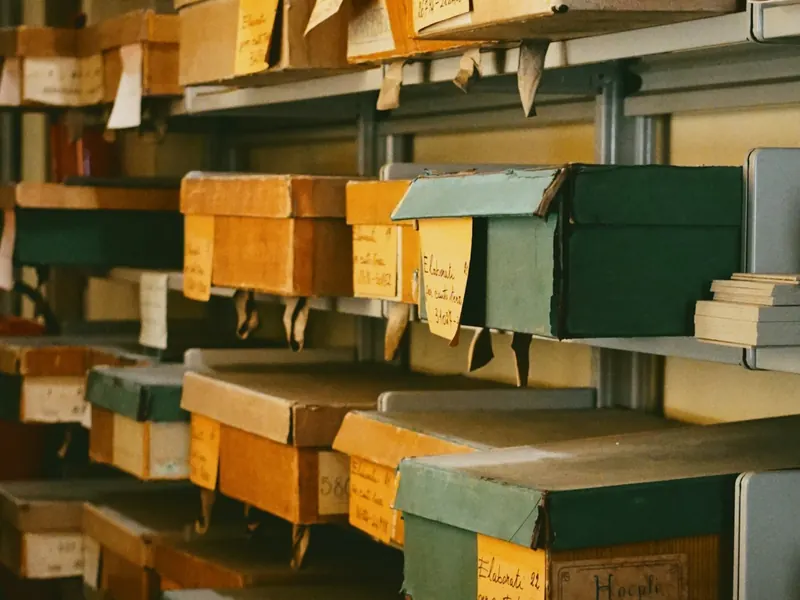
Every box has a code that never changes. The box moves, the label does not — the app records its new spot the first time you scan it.
How it works
Košice, Prešov, the basement archive. Enter how many racks and shelves — say 10 racks of 5 shelves — and the app numbers them (R1, R1-1, R1-2 …) and generates their QR codes.
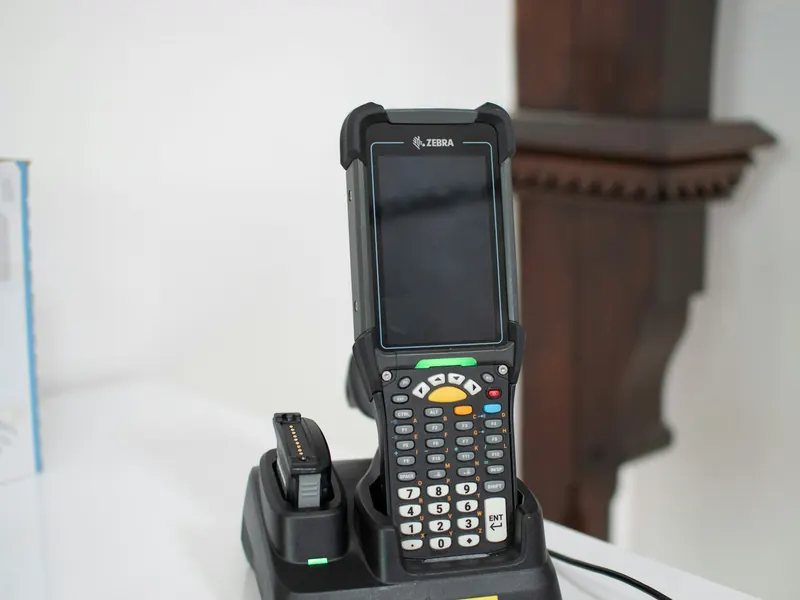
One PDF for the whole warehouse. Roll label printers (Citizen, Zebra, Brother) and ordinary A4 sheets alike — you pick the size, the app works out the layout.
Switch on filing mode, scan a shelf — and then just the boxes, one after another. They file themselves under it, with no clicking.
Type “invoices 2023” and the app tells you the warehouse, rack, shelf and box. Or scan a label and see what is inside straight away.
Filing mode
This is the part that makes warehouse records actually stick. Nobody is going to fill in a form for every single box. In filing mode you scan one after another and the app fills in the rest.
What you get out of it
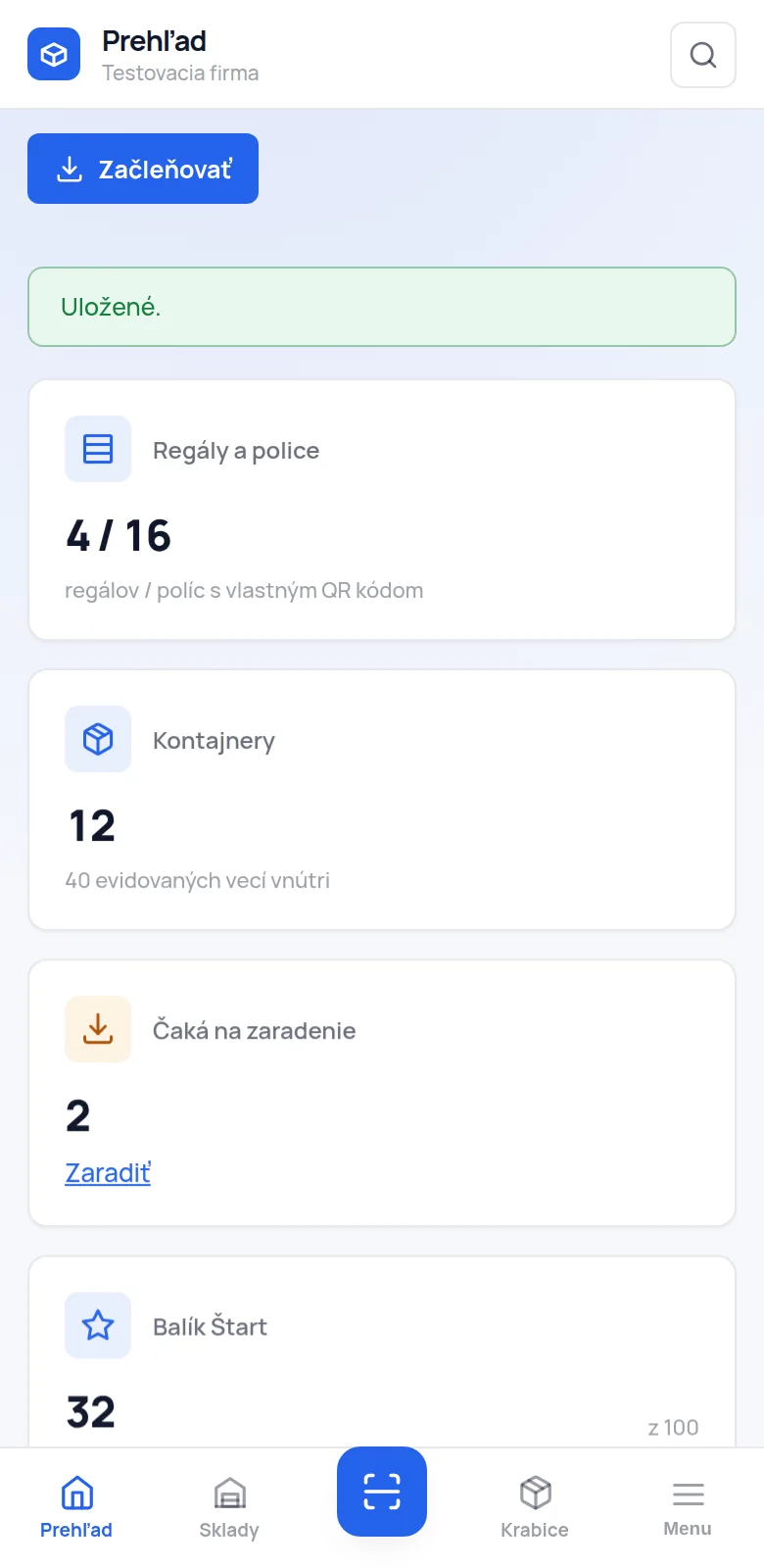
cloudstrg will not turn your warehouse into a logistics centre. It will turn it into a place where a thing can be found without anyone searching from memory — and that is the precondition for everything else.
4
levels with their own code: warehouse, rack, shelf, box
1 PDF
for every label in the warehouse — roll and A4 sheet alike
6
characters in a code, with no look-alike shapes — readable even off a scuffed label
0
third-party scripts and tracking codes on the page
What the app does
No modules nobody ever switches on. Four things that make record-keeping sustainable, and a report that shows you where you are wrong.
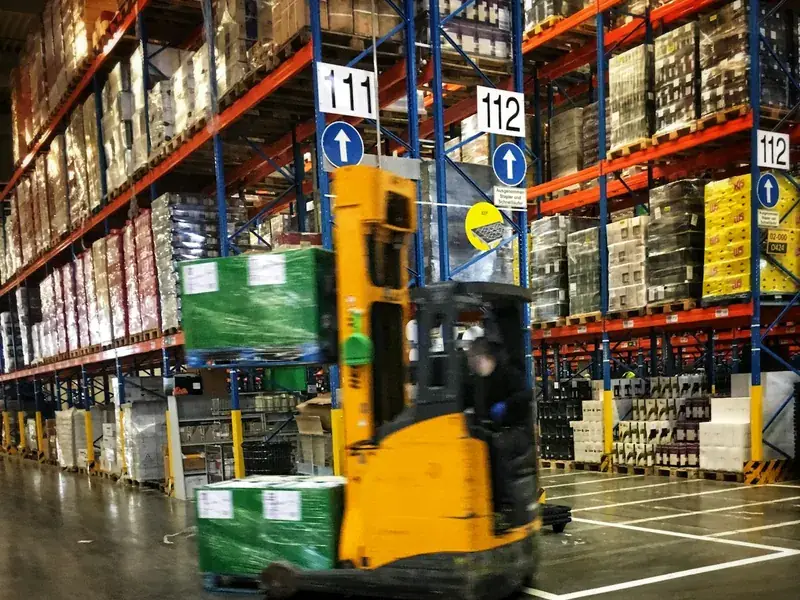
Rolls of 50 × 30, 57 × 32, 100 × 50 and A4 sheets (3 × 7). The label carries the code, the name and the path “Košice · R1 · R1-2”, so it is clear where it belongs even without a phone.
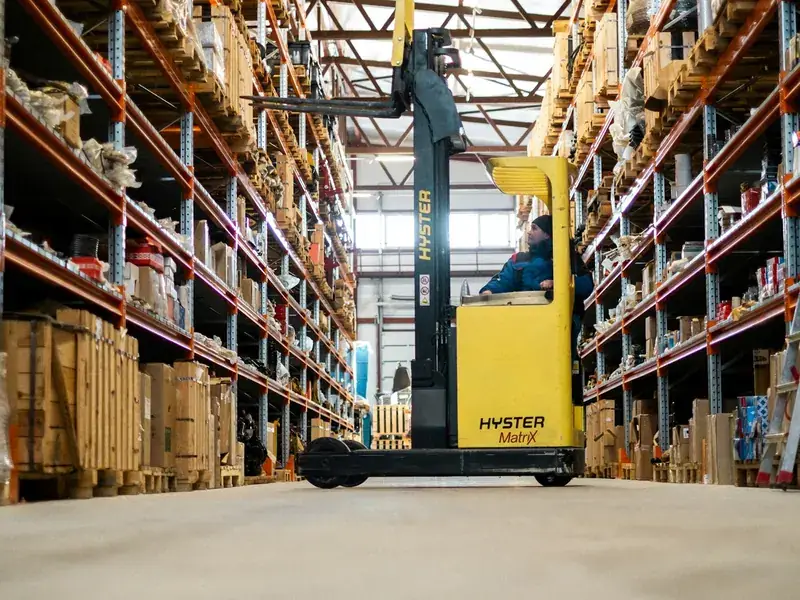
Lay the racks out on the floor plan the way they really stand — by dragging, with 90° rotation. Clicking a rack on the plan opens its contents.
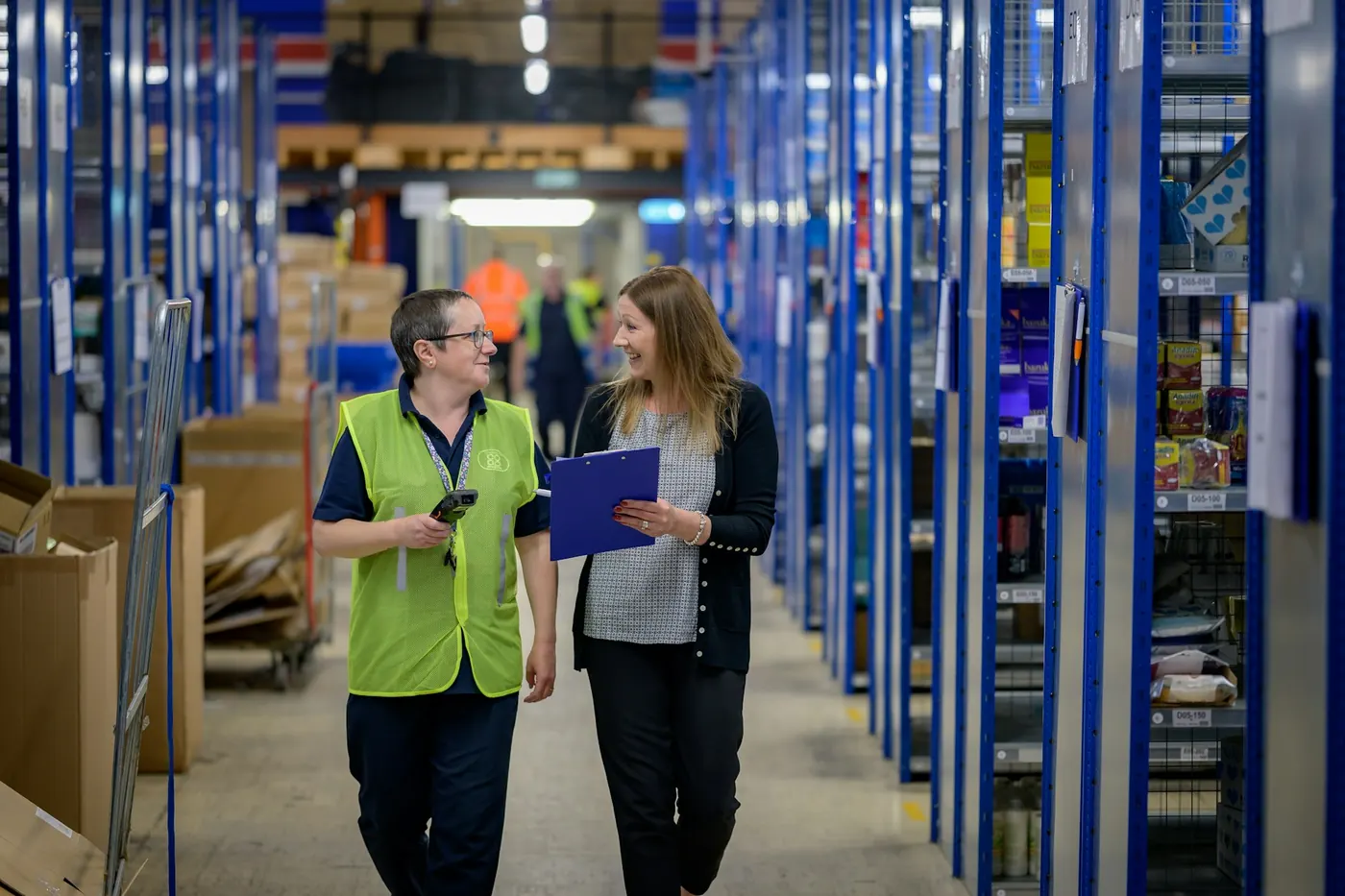
Search runs across warehouses — names, tags and the list of things inside. The report shows what people search for in vain and which positions are reached for most often.
Custom work
We write cloudstrg ourselves, so we do not have to wait for an outside supplier. We will migrate your existing records from Excel, add the field you are missing, or connect the warehouse to what you already use.
Pricing
A position = a rack, a shelf or a box with its own QR code. Warehouses, users and scans are not counted — those are always unlimited.
€0.00forever
For trying it out — one warehouse and a few racks.
€5.00/ month
A small warehouse or archive — up to 100 positions.
€12.00/ month
A company warehouse with racking — up to 1,000 positions.
€60.00/ month
A large operation with several sites — up to 10,000 positions.
Prices are exclusive of VAT. Billed monthly by card through Stripe, cancel any time. When a subscription ends the warehouse stays readable — only adding new positions is locked. A warehouse you cannot get into is no use to you.
Frequently asked
No. The PDF prints on an ordinary office printer onto self-adhesive A4 sheets (3 × 7 labels, Avery L7160 size). A roll label printer is more convenient when you label as you go — we support the common 50 × 30, 57 × 32 and 100 × 50 mm sizes.
The label carries the code only, for example K-9WZ2QK — no web address. That way the label stays valid when the warehouse moves to another domain, and the short content fits into the smallest QR version, so the modules are large and the code reads even off a scuffed label. The price is that a phone camera will not open the label by itself — you scan it in the app.
The warehouse stays visible and labels can still be printed. Only adding new positions is locked. We do not delete data — you can renew the subscription at any time and pick up where you left off.
Add up the racks, shelves and boxes you want to label. The warehouse itself is not counted — it is just a folder. For example 10 racks of 5 shelves plus 200 boxes is 260 positions, so the Profi plan. The app tells you in advance when you are nearing the ceiling.
Yes, that is exactly what the scanner role is for. Such an account can scan, search and file, but cannot reach settings, users or the subscription — so it can stay permanently signed in on a reader that anyone may pick up.
On the operator’s server; we name the specific hosting provider in the privacy policy. The app loads no third-party scripts or CDN fonts and contains no tracking code — the photos, the typeface and the QR generator are all our own.
Start with a single rack
The Free plan costs nothing and has no time limit — 30 positions are enough for one rack and for finding out whether this suits you. You pick a paid plan only once you run out of room.